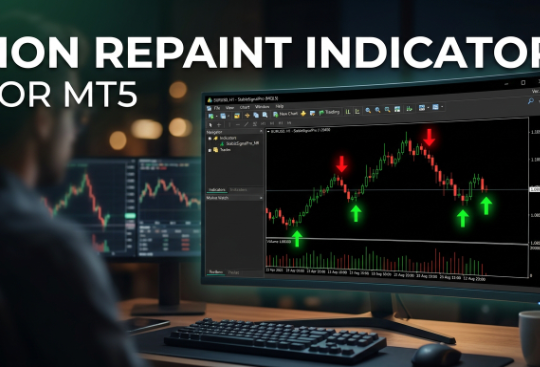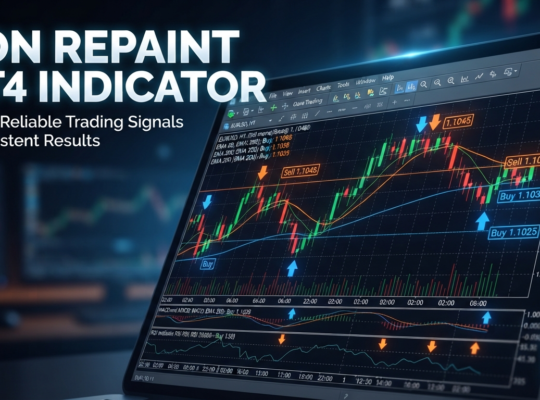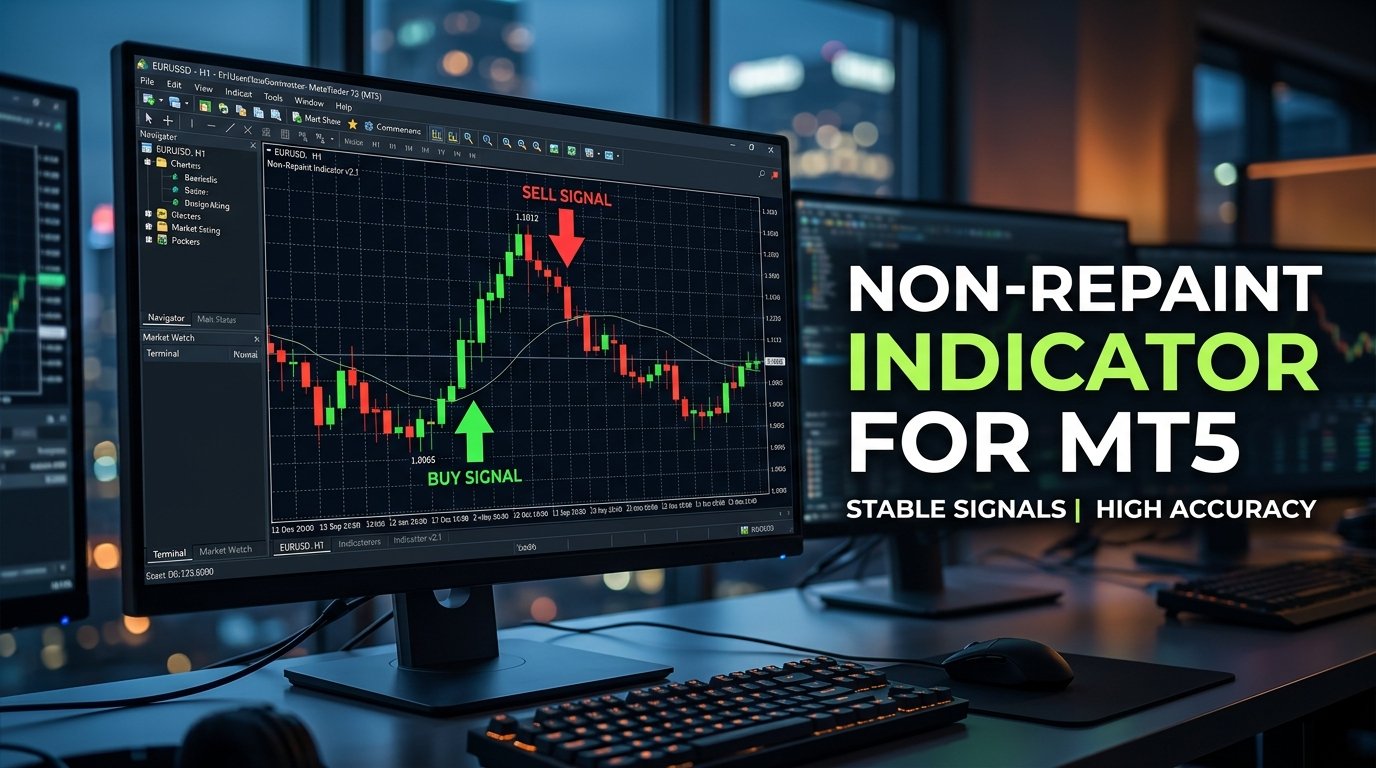
MT5 has quietly become the platform of choice for a growing share of retail traders, thanks to better backtesting tools, additional order types, and native support for more asset classes beyond forex. What hasn’t kept pace, though, is the supply of genuinely trustworthy signal tools built for it — a lot of developers still treat MT5 as an afterthought, porting over MT4 logic without addressing the platform’s differences properly. This article covers what a real non-repaint indicator for MT5 needs to deliver, why so few tools get it right, and how the BD Indicator approaches the problem.
Why MT5 Traders Face a Narrower Set of Reliable Options
Anyone who’s searched for quality MT5 indicators has probably noticed the same pattern — the selection is thinner than what’s available for MT4, and a fair number of the tools that do exist are just MT4 scripts translated over with minimal adjustment. That’s not automatically a problem, but it does mean the non-repaint claims attached to those tools deserve extra scrutiny, since a formula that behaves one way on MT4’s older execution model doesn’t always translate cleanly to MT5’s updated architecture.
The stakes here are the same as on any platform: a repainting indicator displays a signal, then quietly edits or removes it once new price data comes in. Scroll back through the chart afterward and everything lines up perfectly. Trade it live, though, and the “perfect” historical accuracy never quite shows up in real time, because the indicator was never actually that accurate — it was just rewriting its own history after the fact.
Why This Is Worse Than It Sounds
The real cost of a repainting tool isn’t one bad trade — it’s a completely false read on the tool’s actual performance. A trader who backtests a repainting indicator and sees an impressive win rate has effectively tested nothing at all, because that win rate relied on information the indicator didn’t have access to in real time. This is exactly why due diligence on any forex indicators claiming non-repaint status matters more than the marketing copy attached to them.
How the BD Indicator Approaches MT5
The BD Indicator locks in its buy and sell signals the moment they form, and that behavior holds regardless of whether it’s running on the platform it was originally built around or the newer MT5 environment. Once an arrow appears on the chart, it stays exactly where it appeared — no retroactive edits, no quietly vanishing signals a few candles later.
Underneath that consistency is the same AI-driven analysis engine — a neural network that processes price action, volume, and sentiment together rather than applying one static formula regardless of market conditions. This matters more on MT5 specifically because the platform’s expanded asset coverage means the same indicator might realistically be applied across forex pairs, indices, and commodities, all of which behave differently enough that a rigid, single-purpose formula tends to underperform across the board.
Built to Complement MT5’s Native Tools
MT5 ships with a broader native indicator library than MT4, including things like an expanded set of built-in oscillators and additional timeframes. The BD Indicator isn’t designed to replace that library — it’s meant to sit alongside it as a decision-support layer. Traders already using something like the ichimoku kinko hyo for broader trend context, or the parabolic SAR indicator for trailing stop guidance, tend to find the BD Indicator’s arrows work well as a confirmation layer rather than competing with what they’re already running.
Clean Signal Display Without Platform-Specific Headaches
One recurring complaint with ported MT4-to-MT5 tools is visual glitches — arrows misaligned, colors rendering incorrectly, or alert windows behaving inconsistently with MT5’s updated interface. The BD Indicator’s signals are designed to display cleanly directly on the price chart, avoiding the kind of platform quirks that make an otherwise decent tool frustrating to actually use day to day.
Multi-Channel Alerts Built for How Traders Actually Work
Locked-in signals only help if you actually see them. The BD Indicator delivers alerts through both the platform itself and email, which matters particularly for MT5 users running multiple charts across different asset classes simultaneously — a common use case given the platform’s broader scope. Missing a signal because you were focused on a different chart is one of the quieter reasons traders underperform their own backtested numbers.
Putting It to Work Alongside Traditional Analysis
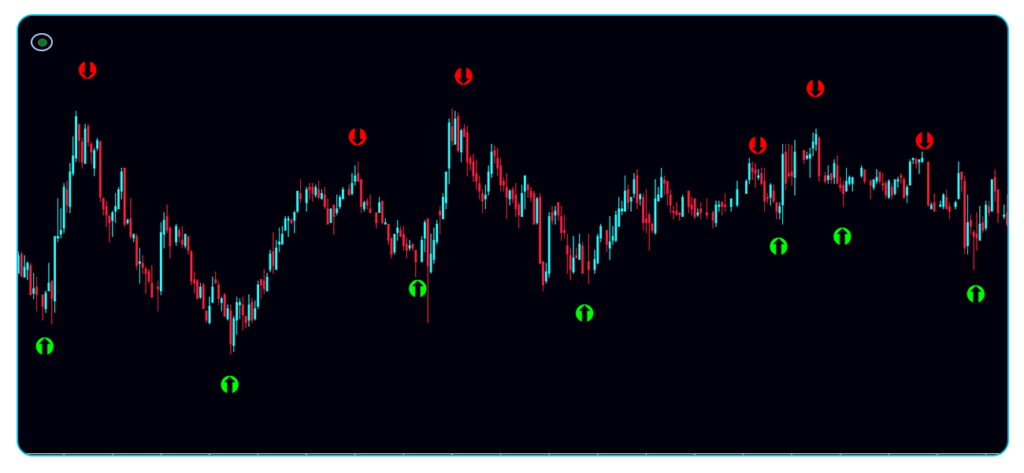
The traders getting the most consistent results treat the BD Indicator’s arrows as one input rather than an automatic trade trigger. A sound structure looks like this: the arrow flags a directional bias, a quick check against a moving average or recent support and resistance confirms the setup isn’t fighting an obvious structural level, and only then does a position get sized and entered with a stop already defined.
This layered approach directly addresses one of the most common pitfalls in forex trading — emotional entries driven by fear of missing a move rather than a genuinely confirmed setup. When a signal comes from a consistent, systematic process instead of gut feeling in the moment, sticking to a trading plan gets considerably easier.
Combining AI Signals With Momentum Confirmation
Traders who like an extra layer of confirmation before acting on an AI-generated arrow often pair it with momentum tools like the RSI or the stochastic oscillator, both of which are well suited to flagging overbought or oversold conditions that might make a signal worth waiting on rather than acting on immediately. Others prefer volatility context from something like the average true range indicator, which helps size positions appropriately relative to current market conditions rather than using a fixed lot size regardless of volatility.
A Genuine Learning Tool for Developing Traders
For traders still building their chart-reading instincts, watching how the BD Indicator’s signals behave across different MT5 markets — without necessarily trading every single one — accelerates the learning curve in a way that reading alone rarely does. You start to notice which conditions produce clean, high-conviction signals and which produce weaker, more ambiguous ones, and that pattern recognition carries directly into every other part of your trading.
Verifying the Non-Repaint Claim Yourself
Any indicator claiming non-repaint status, including this one, deserves independent verification rather than blind trust. Run the tool forward in real time on a demo account, and compare what you see live against what shows up when you scroll back through the same chart later. If the arrows match exactly with nothing shifted or removed, the claim holds. This is essentially the same standard laid out in how we test indicators and robots, and it’s worth applying to any tool before trusting it with real capital, not just the ones covered here.
Traders also running automated systems through MT5 expert advisors sometimes use the BD Indicator’s confirmed, non-repainting signals as a manual sanity check layered on top of automated execution, adding a bit of human oversight without meaningfully slowing the process down.
Where This Fits Alongside Other Signal Sources
Chart-based indicators are one piece of a broader signal ecosystem that also includes services like forex signals and best forex signals providers, which deliver trade ideas directly rather than requiring interpretation of a chart. The BD Indicator sits in a useful middle ground for MT5 users specifically — you still get a clear, unambiguous signal, but it’s generated on your own charts in real time, with no third-party delay built into the process.
Ready to Try It on MT5?

If repainting signals or unreliable MT4-to-MT5 ports have cost you trades before, the most direct way to find out whether the BD Indicator solves that for your own setup is to buy the BD Indicator here and run it on a demo account across a handful of different instruments and sessions. Watching how it behaves in real time — with no retroactive edits to its own signals — is the clearest way to build genuine confidence before committing real capital.
Frequently Asked Questions
Does a non-repaint indicator behave the same on MT5 as MT4? It should, provided the tool was properly built or adapted for MT5’s execution model rather than just ported over without adjustment — which is exactly why independent verification on your own charts matters.
Can the BD Indicator be used across asset classes on MT5, not just forex? The underlying AI-driven approach is built to adapt to different market conditions, which makes it applicable beyond forex pairs to other instruments MT5 supports, though results should always be verified per asset class through your own testing.
Where can I purchase the BD Indicator for MT5? You can buy it directly here and start applying it to your MT5 charts right away.
Should I trust a non-repaint claim without testing it myself? No claim should be taken purely at face value. Running the indicator forward on a demo account and comparing live signals to historical review is the only reliable way to confirm non-repaint behavior.
Final Thoughts
MT5 traders deserve the same level of signal reliability that’s available on MT4, and that starts with rejecting any indicator that can’t prove its non-repaint status under real scrutiny. The BD Indicator’s locked-in signals, AI-driven analysis, and dual-channel alerts make it a genuinely solid option for MT5 users looking for a tool built to hold up under real trading conditions rather than just a good-looking backtest.
If you’re ready to put it to the test, grab the BD Indicator here and run it through a proper demo evaluation before trading it live. For a broader look at signal reliability across the board, our guide on forex signals is a solid next stop, and if you’re comparing platforms, our breakdown of MT5 expert advisors covers how automated systems stack up on the newer platform as well.